Change history and Trash
Two screens answering the two questions that always arrive together: who changed this, and can I get it back? History keeps every write and every sensitive read on the property; Trash brings a deleted property back.
Two screens, two questions#
Both live under Admin, and they answer the two questions people usually ask in the same breath:
| Screen | Where | Question it answers |
|---|---|---|
| Property change history | Property group — /admin?sel=property-history |
who did what on this property, and when |
| Trash | Account group — /admin?sel=trash |
what was deleted, and how do I get it back |
Property change history#
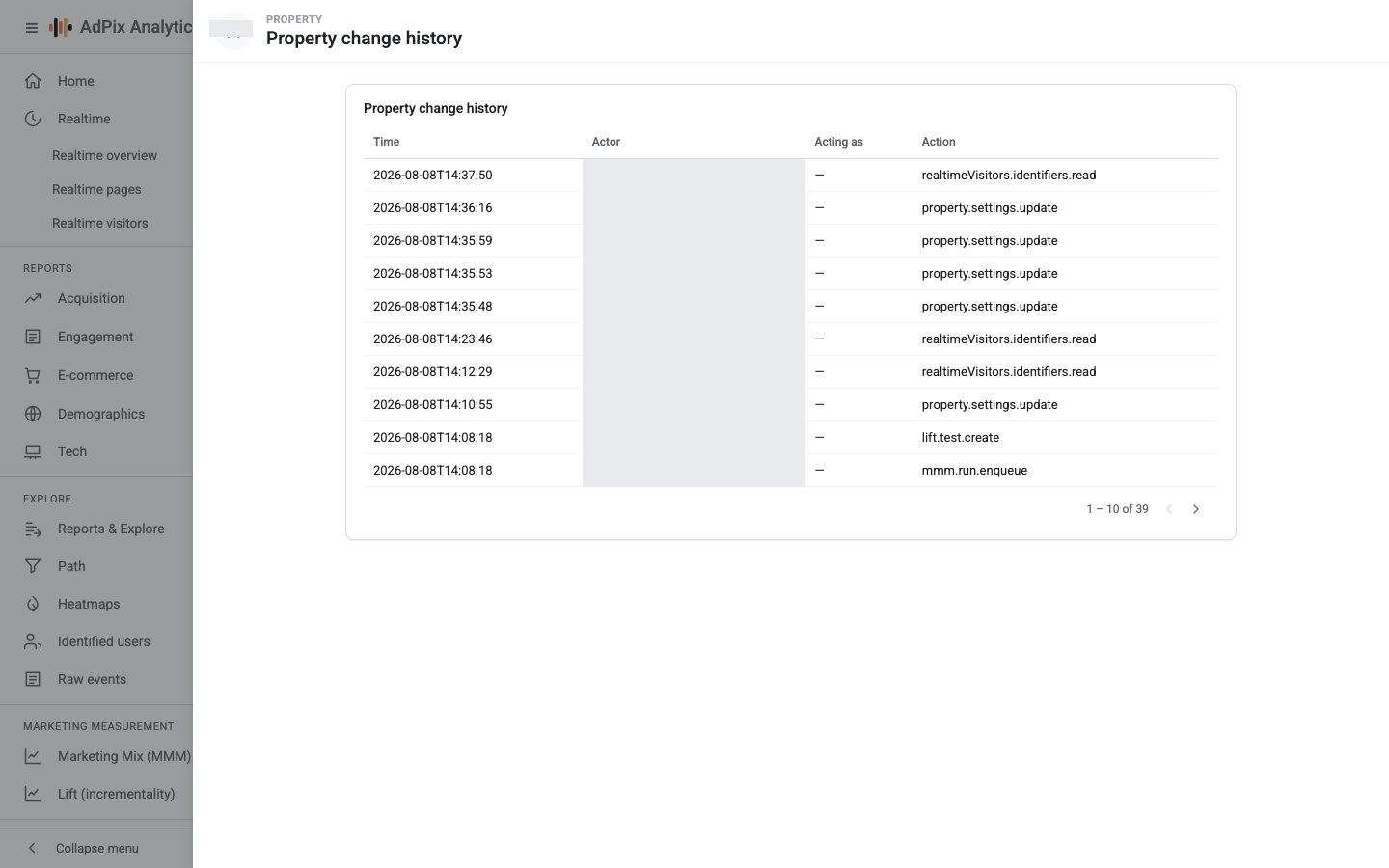
The newest event is at the top, and the table has four columns:
| Column | What it shows |
|---|---|
| Time | when the event was recorded |
| Actor | the email of whoever actually sent the request |
| Acting as | when someone acted in another user's name, that user's email; otherwise — |
| Action | the technical action name, such as property.settings.update |
Each row also keeps things this table has no column for: the request's IP address, and the before and after values of whatever changed. If you need that detail for a case, ask AdPix.
What gets recorded#
Every write against this property. The most common ones:
| Action | Meaning |
|---|---|
property.settings.update |
a save in Property details — name, attribution window, time zone or the IP list |
property.delete · property.restore |
the soft delete of the property and its restore |
stream.create · stream.update · stream.delete |
creating, changing or deleting a data stream |
stream.enhanced_measurement · stream.heatmap |
changing enhanced measurement or heatmap settings |
s2s.key.create · s2s.key.revoke |
creating or revoking a server key |
event_rule.create · event_rule.update · event_rule.delete |
Create-event and Modify-event rules |
membership.upsert · membership.delete |
granting or removing a role on this property |
consent.config.update |
a change to the cookie-consent configuration |
alert.create · destination.create · audience.create |
alerts, destinations and audiences |
cost.import · cost.data.edit |
importing or editing ad cost |
integrity.sensitivity.update · integrity.false_positive |
the fraud sensitivity dial and false-positive reports |
plan.property.update |
a change to this property's plan |
The full vocabulary is longer than the table. The rule is simple: if something changed on this property, there is a row for it.
The history is not only writes. Viewing identified users' email and phone, opening raw events, revealing a visitor's identity in the realtime report, and exporting fraud entities or a marketing-mix run each write their own row. That is deliberate: reaching personal data should leave a trace.
Take the Acting as column seriously#
When that column is filled in, someone acted in another user's name — usually an AdPix operator troubleshooting on behalf of one of your users. In such a row, Actor is the operator's own email and Acting as is the user whose identity was used. The two are never swapped, so you can always say who really pressed the button.
What this screen will not do#
- Property scope only. Account- and organization-level events — renaming an account, a role granted across an account, invitations — do not appear here.
- The last two hundred rows. The list is capped at the two hundred most recent events and has no paging. On a busy property, yesterday may already be off the bottom.
- No filter, no search, no export. The table is what you get.
- Viewer on the property is enough to read it, though the entry itself is shown in the Admin rail to administrators.
How long it is kept#
History rows are kept for 365 days, and a nightly job deletes anything older. If your audit policy wants a longer trail, decide before you reach the one-year mark. The full table of data lifetimes is in Data retention.
Trash#
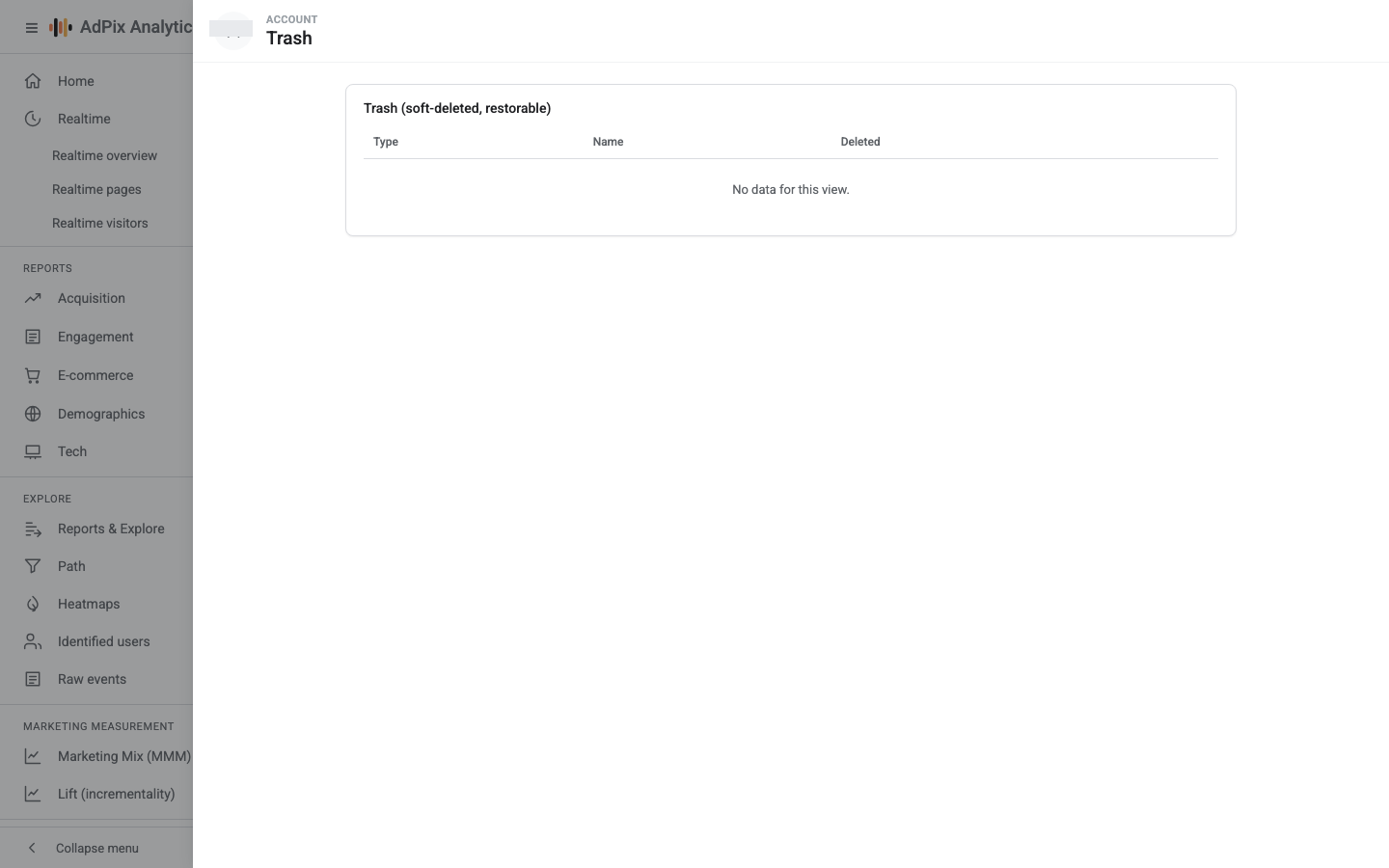
The card title states the rule itself: "Trash (soft-deleted, restorable)". It has four columns — Type, Name, Deleted and a Restore link — with the most recent deletion first.
Opening this screen requires Account admin, and the list is limited to the organizations you administer. Nothing from another organization is ever visible in your list.
What a soft delete actually means#
Deleting a property does not delete data. The property leaves the picker at the top of the console and the various lists, and sits in Trash. Meanwhile:
- The events are untouched. No row is removed from the analytical warehouse.
- Collection continues. The tag on your site is not switched off and new events keep being written; you just cannot see them. If your goal is to stop collecting, remove the tag from the site or delete the data stream.
- Restore brings everything back. The property returns to the lists and the reports are exactly as they were, including the period it spent in Trash.
If your goal is for data to be gone — an individual's request, or a legal obligation — putting the property in Trash achieves nothing. The right path is a data erasure request.
What comes back and what does not#
| Item | Restorable? |
|---|---|
| Property | Yes — Restore, on this screen |
| Account | It appears in the list, but does not come back from this screen; ask AdPix support to restore one |
| Data stream | No — the delete is permanent |
| Event rule, key event, custom definition | No |
| Audience, destination, alert, server key | No |
| Roles and memberships | No — grant them again |
Only properties and accounts reach Trash at all; everything else, once deleted, is gone. Spend a second on that sentence before you delete a data stream or an event rule.
Nothing empties Trash#
Trash does not clear itself. What is in there stays until it is restored, and nothing purges it automatically later. So leaving a deliberately retired property in the list is fine — just remember its name is still taken.
When something changed unexpectedly#
The order that works:
property.settings.update usually means the time zone or the IP list changed — go to Property details and read the current value.Frequently asked questions#
Why isn't the account-level change my colleague made in the property history?
Because this history only lists events scoped to this property. A change at account or organization level — renaming an account, granting a role across a whole account — does not appear in the list. The row exists, it is just attached to a different scope.
Are report views recorded too?
Ordinary reads are not. Sensitive reads are: viewing identified users' email and phone, opening raw events, revealing a visitor's identity in the realtime report, and exporting fraud entities or a marketing-mix run. Those appear in the history in the same shape as every other row.
How long is the history kept?
365 days. A nightly job removes anything older. If your audit policy needs a longer trail, export periodically or talk to AdPix about the retention window.
I deleted a property — is its data gone?
No. The delete is soft: the property leaves the picker and the lists and sits in Trash, but no event is removed. Restore brings the reports back exactly as they were. The tag is not switched off either, so traffic keeps being written while the property is in Trash.
Thanks — your feedback helps us improve the docs.